RiseUp

Your next streak starts the moment you decide.

RiseUp counts every second you stay on track, gives you something to do when the urge hits, and keeps all of it on your phone.

  • No sign-up
  • Works offline
  • No subscription

If you started right now

Live
0days
00hrs
00min
00sec

The app counts from your real start time — down to the second, and it survives a restart.

Built around the moments that actually decide a streak

Six tools, no clutter, and nothing to configure before you can use it.

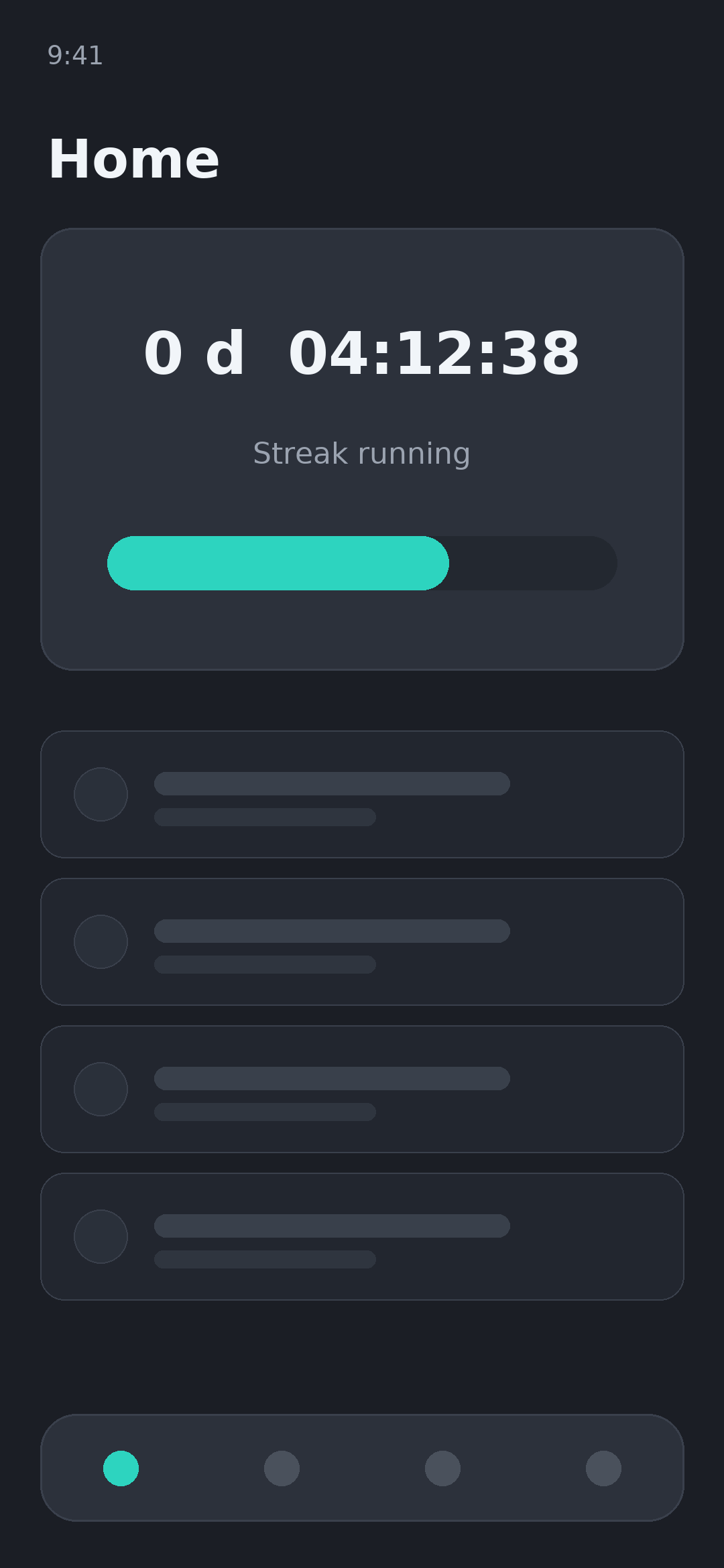
Live streak counter

Days, hours, minutes and seconds since your start time, ticking in real time. Set an earlier start date if you began before installing.

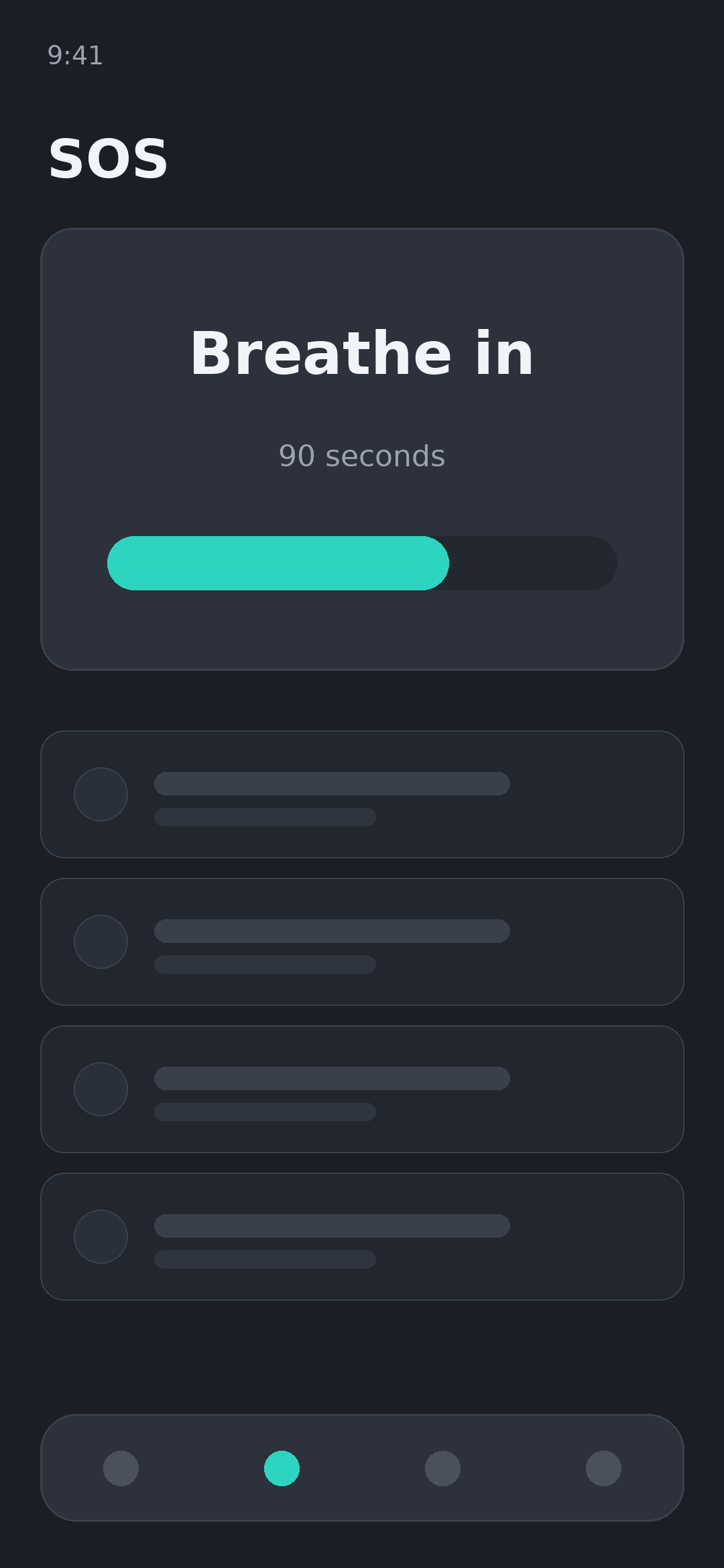
SOS urge button

One tap opens a guided breathing timer, your reasons for starting, and a distraction task — built for the ninety seconds that matter most.

Milestone badges

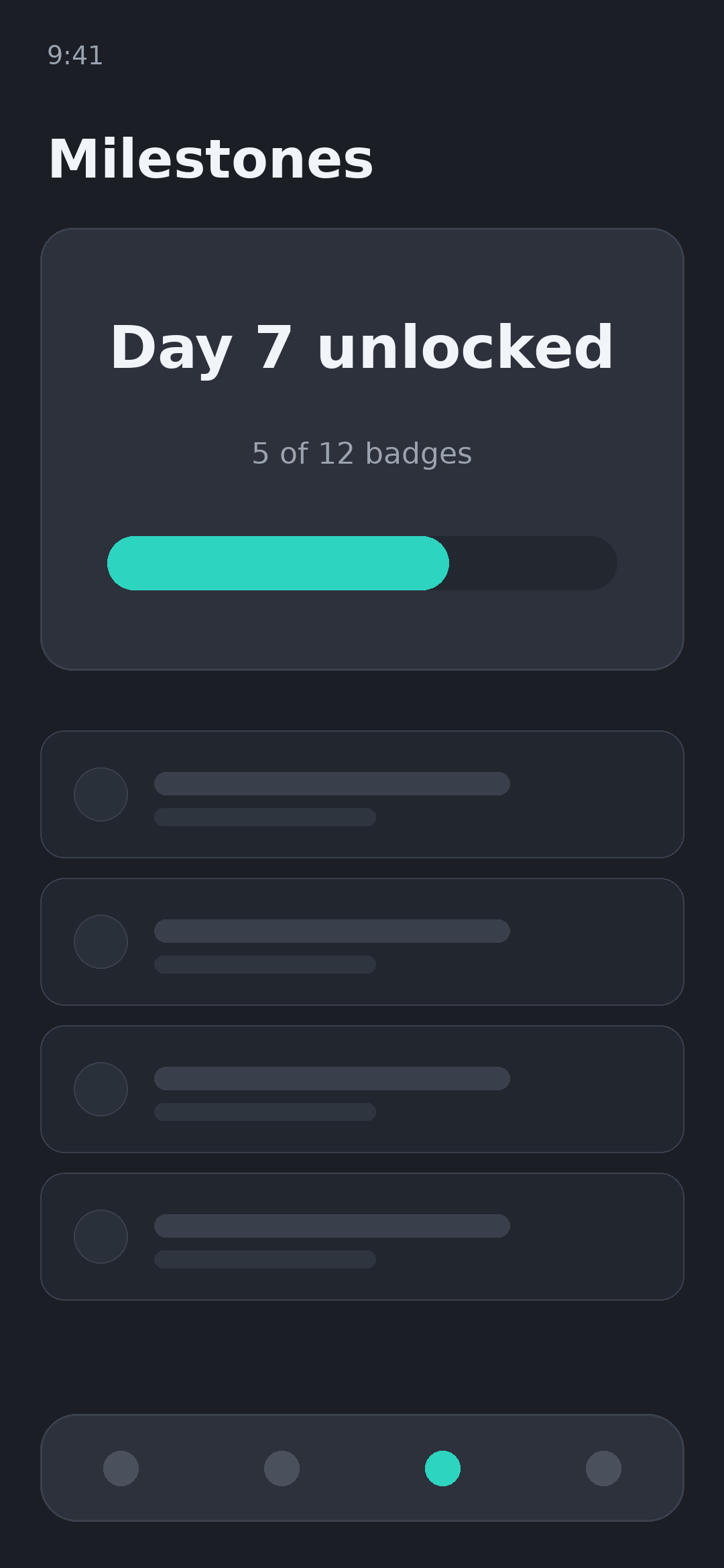
Progress is measured against your next milestone rather than an abstract percentage. Day 1, 7, 30, 90 and beyond.

Journal and mood

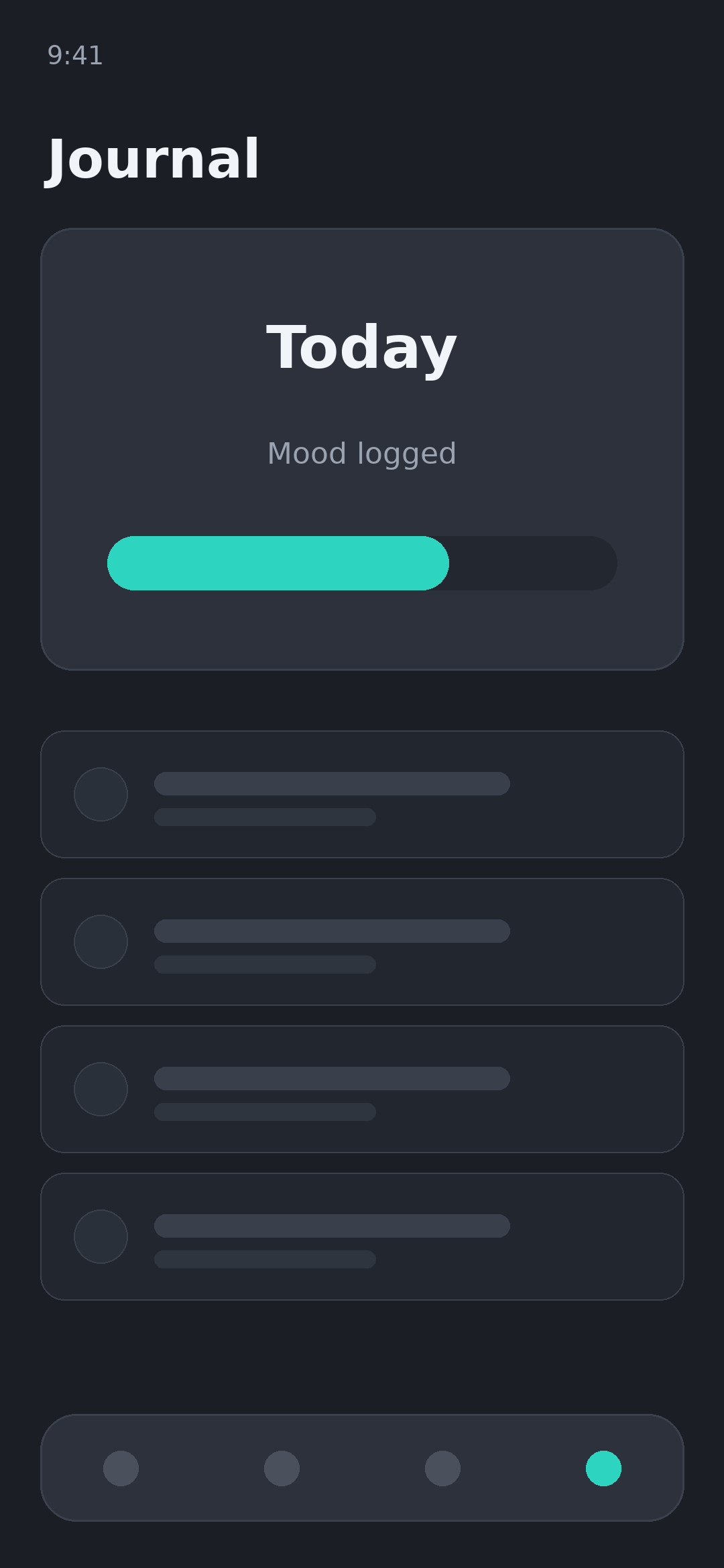
Log a note and a mood in seconds. Over a few weeks it becomes a record of what your triggers actually are.

Analytics

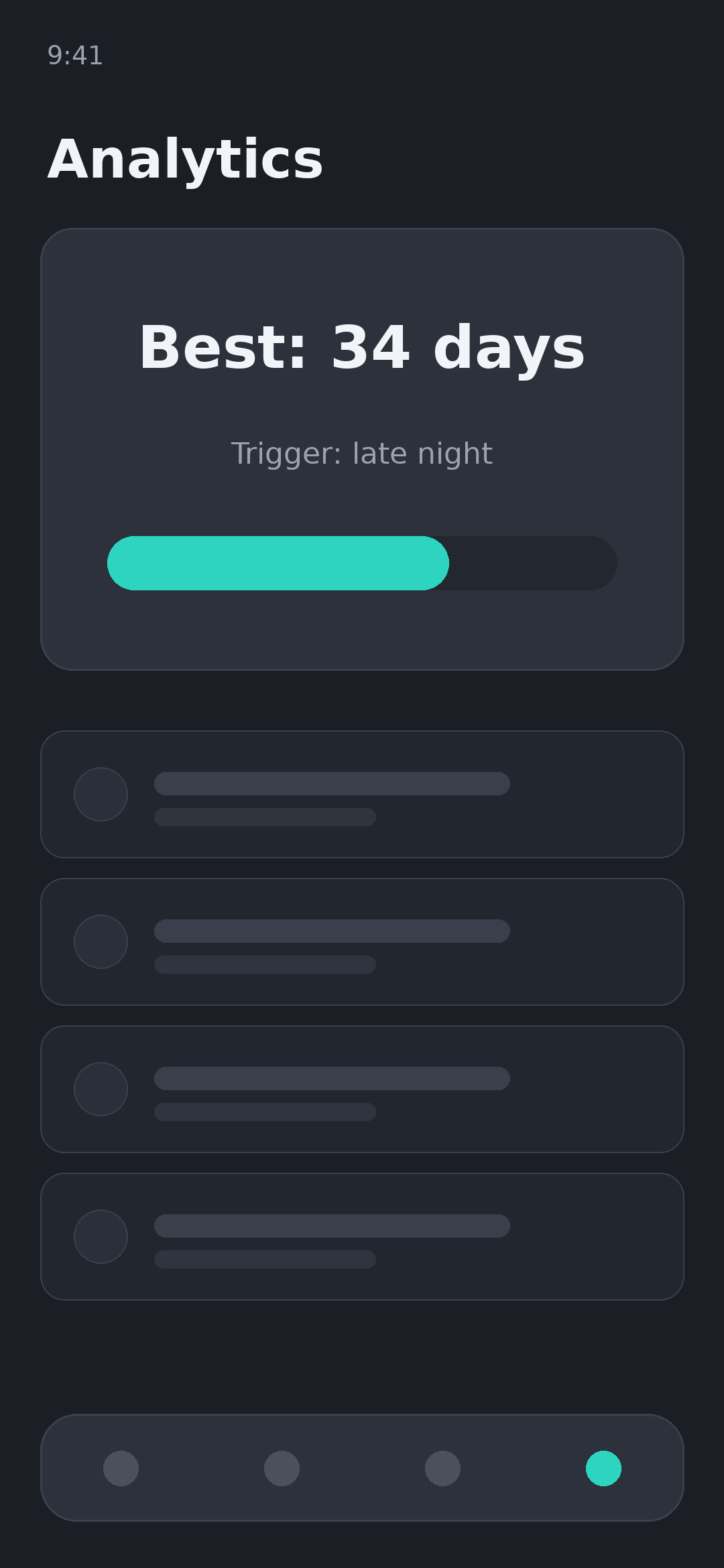
Best streak, relapse patterns, time of day, common triggers. Plain charts, no judgement.

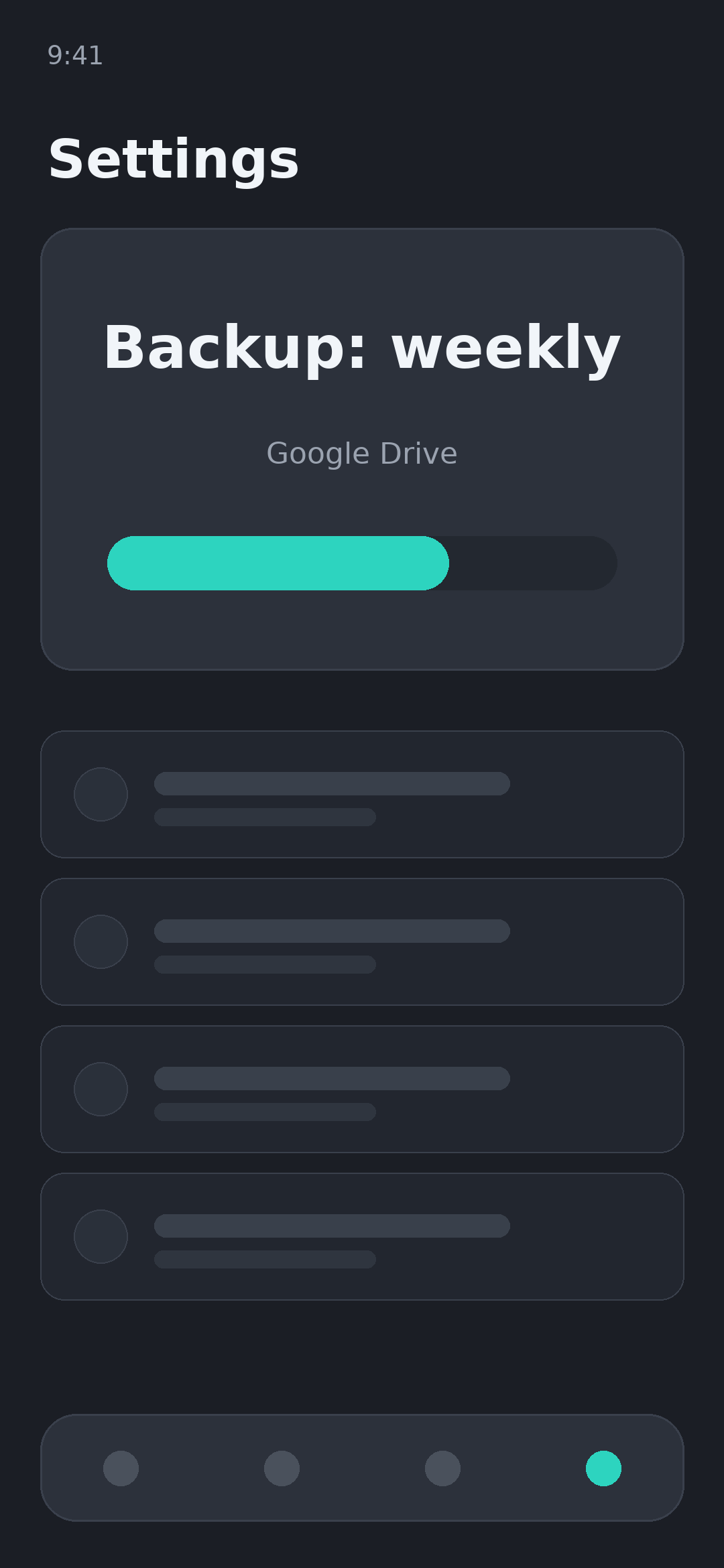
Google Drive backup

Optional, and to your own Drive. Schedule it daily, weekly or monthly, or never switch it on at all.

A look inside

Dark by default, and readable at 3am.
Home — your live streak and next milestone
SOS — guided breathing when the urge hits
Milestones — badges you actually reach
Journal — a note and a mood, in seconds
Analytics — patterns, triggers, best streak
Settings — backup, reminders, privacy

What the first year looks like

Every badge unlocks in the app, offline, on its own.

  1. Day 1

    The hardest one

    Getting past the first evening is most of the battle. The counter runs from the second you set your start time.

  2. Day 7

    A week in

    Long enough for the pattern to break. This is usually where the journal starts showing you your own triggers.

  3. Day 30

    A month

    Urges get further apart and shorter. Analytics makes that visible instead of theoretical.

  4. Day 90

    A season

    The milestone most people are aiming for. Sleep, focus and mood entries usually tell the story by now.

  5. Day 365

    A year

    Still one counter, still on your phone, still no account.

Nothing you write leaves your phone

RiseUp has no server. There is no account to create, no profile, and no copy of your journal sitting in someone else's database. What you type stays in an encrypted database on your device unless you deliberately switch on backup — and then it goes to your own Google Drive, not to us.

Read the full privacy policy

  • No account, ever Open the app and start. There is no email, phone number or sign-in step.
  • Encrypted on device Your journal and streak history sit in an encrypted local database.
  • The backup is yours Switch it on and the file goes to your own Google Drive. The app can only touch the file it created.
  • Ads kept at arm's length The app is free and shows ads. You are asked for consent where the law requires it, and ad partners never see your journal.

Questions people ask before installing

Do I need an account?
No. There is no sign-up, no email and no password. Install the app and set your start time.
Does it work without internet?
Yes. Everything except ads and Google Drive backup works fully offline.
Is it free?
Yes, with no subscription and no paywalled features. The app is supported by ads.
What happens to my journal?
It stays in an encrypted database on your device. It is never uploaded anywhere unless you switch on Google Drive backup yourself.
Can I move to a new phone?
Turn on Google Drive backup on the old phone, then restore from Drive on the new one. Without a backup there is nothing to recover — that is the trade-off of keeping everything local.
Can I track more than one habit?
Yes. Add several and switch between them. Each keeps its own streak, milestones and journal.

Day one is the only one you have to decide about

Install it, set your start time, and let the counter do the rest.

Get it on Google Play

Free. No account. Works offline.